


The client claims to have sent the document. The colleague asks around at the mailroom, scrolls through the central email account, and checks the Company Portal—but even after half an hour, he’s still not sure of the answer. The document management system eliminates this uncertainty: every incoming document is immediately visible, assigned an ID, and sent on its way. Moreover, BürOffice’s document management system not only records documents but also automatically routes them to the appropriate workflow.
Below, we’ll go over what you should expect from a modern system and how it all works in practice.
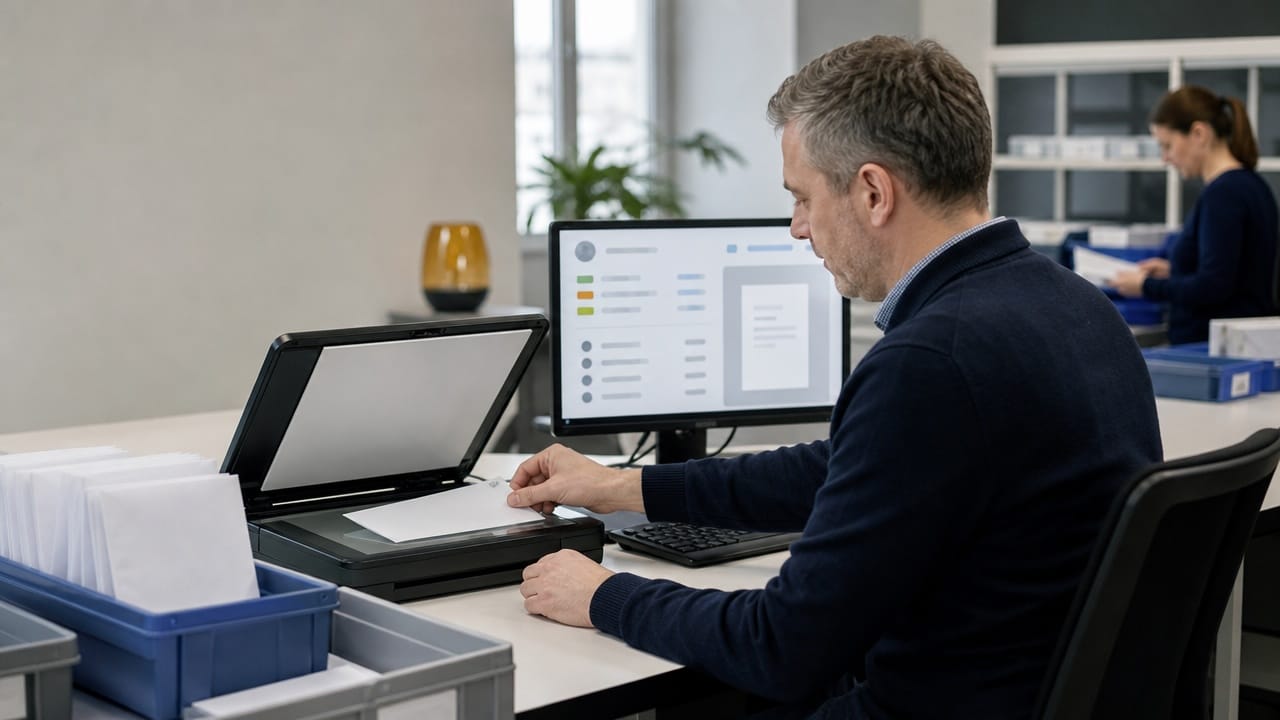
The two concepts are often confused. The filing system performs the traditional task: it registers incoming documents, assigns them a file number, and keeps track of them. A document management system is broader in scope: it manages the entire lifecycle of a document, from receipt through processing and case management to archiving—and even disposal.
BürOffice combines both functions into one. Filing is not a separate administrative task but the first step in the process—the filed document carries the associated task with it.
Electronic document management works when no channel is left out. The BürOffice Input subsystem receives documents from the following sources:
Every incoming document is assigned a unique identifier, and the system records all relevant details of its receipt. You can retrieve information about what was received, when, and from where in a matter of seconds—whether on paper or electronically.
Az automatikus iktatás után a rendszer előre meghatározott szabályok alapján a megfelelő munkasorba küldi az iratot. A szerződésmódosítás a jogi osztályhoz fut, a számla a pénzügyhöz. Ez az intelligens elirányítás akár 70%-kal is csökkentheti az ügyintézési időt, mert senkinek nem kell kézzel válogatnia és továbbítania.
When a customer responds to a previous inquiry, the system recognizes the connection and attaches the response to the original case. The case manager always sees the complete history, not just a single email taken out of context..
Three questions determine the value of a document management system. First: Does it cover all channels, or are the Company Portal and personal mailboxes excluded? Second: Does anything happen after electronic filing—does the process begin, or does the document simply receive a record entry? Third: Can you later look up who did what with the document and when?
In BürOffice, the answer to all three questions is yes. Comprehensive logging records every operation, and access control ensures that only authorized users can access the documents.
After digitization, the system also records the exact storage location of the original paper documents. Barcode technology supports archival processes—requesting, transferring, and disposing of records—so you’ll always know where each document is located and how long it must be retained. Meanwhile, the digital copy is accessible from anywhere with the appropriate permissions.
The filing program, on its own, is therefore merely a record-keeping tool. The document management system delivers business results only when the process begins after filing—with designated responsible parties, deadlines, and escalation procedures. In day-to-day operations, colleagues are the first to notice this difference: they’re not searching for documents; they’re getting work done.
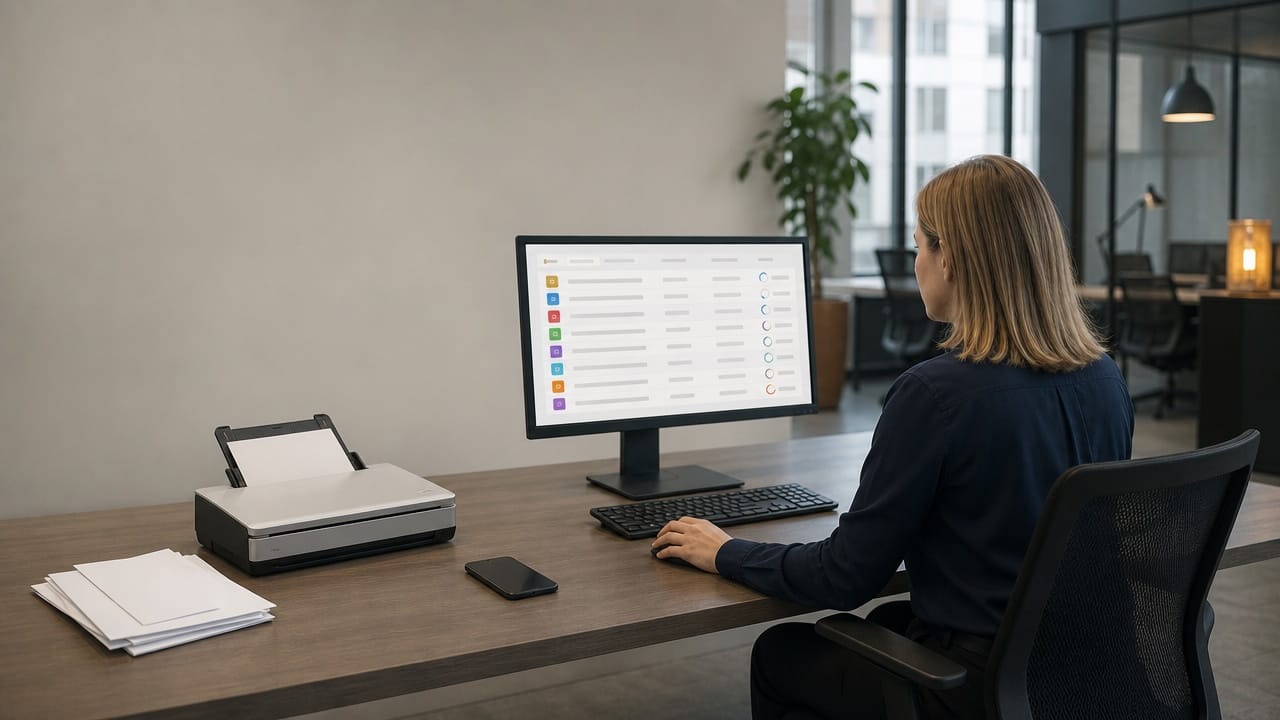
The control panel of the document management system displays the number of incoming items, their estimated processing time, and current status in real time. Bottlenecks are identified not through complaints, but directly on the screen—and action can be taken immediately.
Electronic document management is also a matter of trust. In BürOffice, access can be customized on a folder-by-folder or even document-by-document basis: confidential documents can only be opened by authorized users. Comprehensive logging records every action, so during an audit, it can be verified in a matter of seconds who accessed what and when.
The access control system also makes remote work secure: digitized documents are accessible via the web interface even from home—but only by those who are authorized to do so. This is a particular advantage for organizations with multiple locations: documents don’t have to be transported by car; instead, they can be accessed anywhere based on access permissions.
A document management system is complete only if it also covers outgoing documents. The BürOffice Output subsystem generates outgoing documents from templates using automatic data entry, then sends them via the appropriate channel—by mail, email, the Corporate Portal, or the Government Portal—after they have undergone a regulated approval process.
For mailings, the system generates an electronic mailing list for Magyar Posta and automatically processes the returned electronic delivery confirmations. The status of return receipts is updated in the case file, and the handling of undeliverable mailings is also automated. The entire lifecycle of every document sent is visible in one place.
The mail arrives at 8:00 a.m. It is scanned at the front desk, and by 9:00 a.m. the mail is already waiting in the appropriate work queues—registered, assigned an ID, and assigned to a responsible person. Meanwhile, the emails and Cégkapu messages that arrived overnight are also in their proper places: the system automatically registered and routed them.
At 10:00 a.m., the clerk opens their inbox and can clearly see that day’s tasks, each with its complete history. At the same time, the manager checks the control panel to see how many documents are awaiting processing and where work is backing up. No one is looking for anything, no one is forwarding messages—everyone is working.
BürOffice supports widely used scanning solutions and mail servers, so you can be up and running in as little as a few weeks. Our experts will help you design optimal processes during the implementation.
BürOffice complies with GDPR regulations and meets the “high” requirements of NIS2, and its certified archiving system preserves documents in accordance with eIDAS and domestic laws.
Data from existing records can be imported, and the system also accepts data from external applications. The transition can be carried out in phases, without interrupting daily operations.
When selecting a document management system, the best way to test it is through a live demonstration. Bring in a typical case—such as a complaint or an official inquiry—and we’ll show you how it would flow through the BürOffice document management system, from receipt to archiving.

Lower costs.
Transparent operation.
Excellent CX.