


Invoicing document management refers to the entire document workflow surrounding invoicing: the bulk generation and mailing of invoices, balance statements, and payment reminders, as well as the organized handling of incoming complaints and responses. BürOffice provides a ready-made solution for this—integrated with the invoicing system, not as a replacement for it.
The results are easily measurable: you can save 30–50 percent of the time spent handling outgoing mail, and paper usage can be reduced by up to 40 percent by utilizing electronic channels. This page explains how invoicing document management is structured in BürOffice.
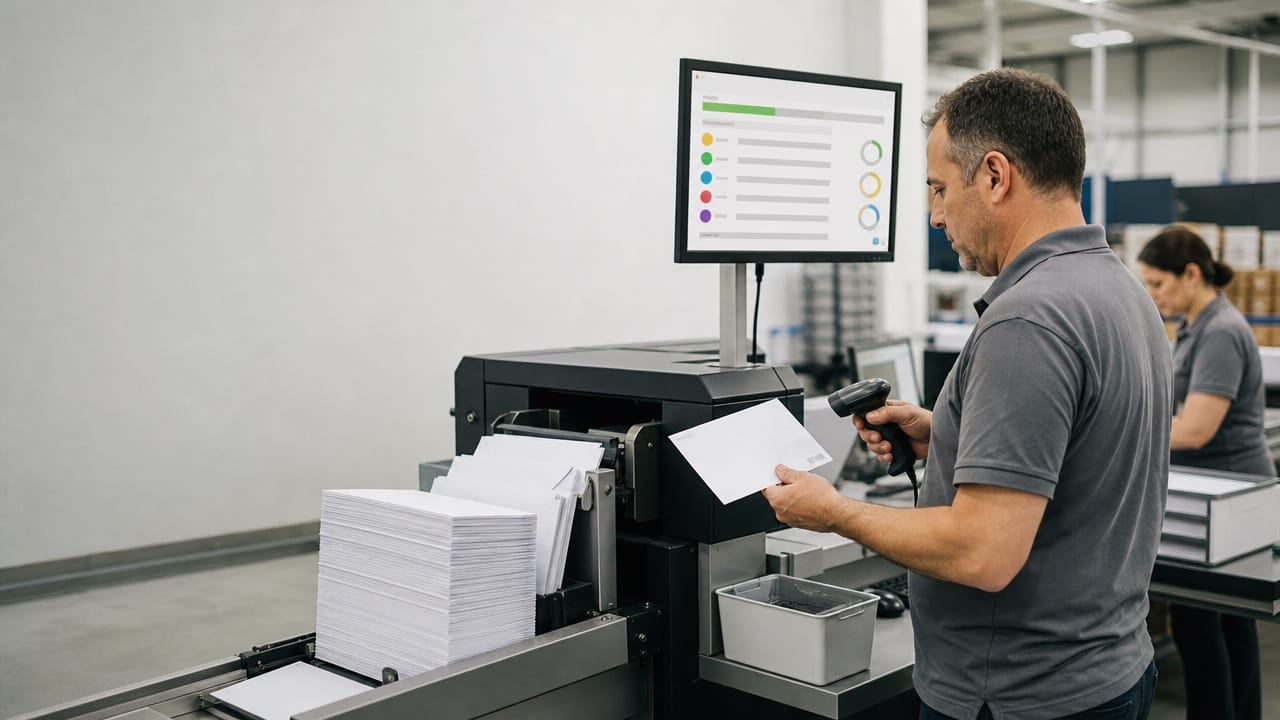
The billing cycle is the same rush every month: the billing department generates the data, followed by mail preparation, printing, enveloping, and the mailing list. If outdated text remains in a template, thousands of incorrect letters are sent out—and thousands of complaints follow.
Updating templates poses a particular risk. The legal department amends a single informational sentence, but the change spreads via email, and three months later it turns out that one type of letter is still being sent with the old text. Who remembers which Word file was the valid one?
The process of tracing back isn’t any easier either. Return receipts are manually matched with outgoing mail, undeliverable letters pile up in boxes, and when proof of delivery is needed for a disconnection case, the search begins.
On the incoming side, billing complaints come in via email, mail, and phone—to three different places. By the time the clerk figures out what belongs together, the customer has already gone to the consumer protection agency.
None of this is the fault of our colleagues. The process is fragmented, and the tools aren’t designed for this—Word, Excel, and a shared folder simply can’t handle tens of thousands of mailings per month.
BürOffice generates invoices, balance statements, and payment reminders from approved, version-controlled templates. It retrieves the data from the billing system, and the templates are adaptive: the content changes based on the customer type and situation. Bulk document generation produces tens of thousands of personalized letters with a single run.
The templates are created through a separate approval process. When the legal or customer service department modifies a text, the next generation run uses the new version—while the old version remains retrievable in case it needs to be referenced during a dispute. Billing document management thus does not depend on the back-and-forth of Word files.
Generation isn’t just for bulk documents: the same template system works for individual letters as well. The administrator selects the type, the system fills in the data—and the letter is sent out in under two minutes, with no manual typing required.
The system sends documents via the customer’s preferred channel: by mail, email, through the customer portal, or via Cégkapu. Through integration with Magyar Posta, an electronic mailing list is generated, and the system automatically processes the returned electronic delivery confirmations and return receipts and attaches them to the case.
This is crucial for sensitive mailings. In the case of a disconnection notice or a demand letter, the fact of delivery is a legal issue—the system records the entire journey of every mailing and handles undeliverable letters automatically, in accordance with established rules.

Half of our customer base requests e-invoices, while the other half insists on paper—invoicing document management handles both through the same process. The system keeps track of each customer’s preferred channel and automatically distributes invoices accordingly upon generation.
Every customer switched to the electronic channel represents direct savings: no printing, no envelopes, no postage. The reports clearly show how the ratio is shifting—and how much that amounts to in forints. With a customer base of 100,000, even a shift of just a few percent amounts to millions annually.
Every document sent out is archived in an authentic manner, in accordance with eIDAS and domestic laws. When a demand notice from three years ago needs to be retrieved for a debt collection case, it’s not a matter of sifting through the archives, but simply a search—along with the proof of delivery.
Invoicing document management thus supports both debt collection and legal work: the accounts receivable manager receives an organized, complete file, not a series of emails requesting copies.
Regardless of the channel through which an invoice dispute is received, the system automatically logs it and assigns it to the customer and the relevant invoice. The agent can view the disputed invoice, previous correspondence, and the customer’s complete history all in one place.
The response is generated from a template, approved, and sent via the customer’s preferred channel. If the customer writes again, the system attaches the response to the original case—ensuring that the threads of billing administration do not become tangled.
What used to be manual work taking days is now a regulated, logged process—human intervention is only required where a decision must be made.
The control panel shows how many items are awaiting dispatch, how many are in transit, and how many deliveries have failed. Postal and other communication costs can be broken down by channel—allowing decisions about expanding electronic channels to be based on data.
The quality of billing document management can also be gauged by the number of complaints: fewer erroneous letters, fewer inquiries, and less strain on customer service. Managers learn about faulty templates not from a flood of complaints, but from reports—and in a timely manner. Billing document management is thus not a cost center, but a measurable, optimizable operation.
No. The invoicing system remains in place; BürOffice takes over the document workflow surrounding it: generation, dispatch, confirmations, and complaints.
The first type of document—typically a payment reminder or a statement of account—goes live within a few weeks; the rest can be scheduled thereafter. The go-live dates are aligned with the billing cycles to ensure that no single mailing is delayed.
Yes. The receipt, filing, and multi-step approval of incoming invoices are handled within the same system, including deadline tracking—and the finance department receives a prepared, organized file.
The system meets the high-level requirements of NIS2, complies with the GDPR, and provides authentic archiving in accordance with eIDAS—ensuring that the records remain admissible as evidence even decades later.
Invoicing document management is an area where, due to the volume involved, every minute saved counts a thousandfold. Request a free demo, and in just one hour we’ll show you how it works using your own invoices.

Lower costs.
Transparent operation.
Excellent CX.